Why You Need an Internal Link Checker for SEO Success
Search engines don’t rank pages based only on content quality. They also rely on how well your website connects related pages. A strong internal linking SEO strategy helps search engines discover new content, understand topic relationships, and pass authority across your site. Yet many websites lose rankings because broken links, orphan pages, and weak site architecture go unnoticed.
An internal link checker solves those problems before they affect your visibility. It reveals hidden issues, strengthens your link structure, and helps every important page receive the attention it deserves. Better still, it creates a smoother experience for visitors by guiding them toward relevant content instead of dead ends.
What Is an Internal Link Checker?
An internal link checker is an SEO tool that scans your website to analyze every internal hyperlink connecting one page to another. It identifies broken links, orphan pages, redirect chains, weak link anchor text, and crawl issues that affect rankings. By improving your internal linking strategy, you make it easier for search engines to crawl your website while helping visitors discover more relevant content.
It scans every accessible URL, follows every internal hyperlink, and creates a complete picture of your website’s link structure. The report often highlights pages that receive too few links, links pointing to redirects, duplicate anchor text, broken URLs, and pages hidden too deep within the site’s architecture.
Backlinks may help build authority, but SEO internal linking determines how that authority spreads throughout your website. Even a page with excellent backlinks can struggle if it sits isolated from the rest of your content.
Most professional tools also perform SEO crawling, simulating how search engines navigate your site. This helps reveal crawling barriers long before they affect indexing or rankings.
Why Internal Linking Matters More Than Ever for SEO
Google’s algorithms have become much better at understanding topics, entities, and relationships between pages. Internal links provide many of those signals. Strong content still matters. Strong connections between that content matter just as much.
Here are the biggest reasons internal links continue to influence SEO success.
1. Helps Search Engines Discover Pages Faster
Search engines don’t magically know every page on your website exists.
Googlebot starts with known URLs and follows links to discover additional content. Pages with few or no internal links often remain hidden longer, even if they are included in an XML sitemap.
That’s why SEO crawling begins with internal links.
Imagine publishing a valuable guide but forgetting to link it from your existing articles. Weeks may pass before search engines fully discover and index it. Adding contextual internal links speeds up that process naturally.
For websites publishing frequent content, internal links become one of the fastest ways to introduce new pages into Google’s crawl path.
2. Improves Crawl Efficiency
Every website receives a limited amount of crawling attention. Large websites with thousands of URLs especially need to use that crawl budget wisely.
Poor link structure creates unnecessary obstacles. Search engines waste time following redirects, dead links, or pages buried six or seven clicks away from the homepage.
An optimized internal linking system keeps important pages close to the surface.
That means search engines spend more time crawling valuable content instead of navigating unnecessary detours.
3. Distributes Authority Across Your Website
Many website owners focus almost entirely on backlinks. That’s understandable.
Backlinks remain one of Google’s strongest ranking signals. Still, backlinks alone don’t decide which pages rank. Internal links distribute authority received from external sources throughout your website. Suppose one blog post earns dozens of backlinks.
Without strategic internal links, much of that authority stays concentrated on a single page.
Linking naturally to related service pages, product pages, or supporting articles helps share that value across your website. This process strengthens topical clusters while supporting pages that may never attract backlinks independently.
It’s one reason experienced SEO professionals spend considerable time refining internal links after publishing successful content.
4. Builds Topical Authority
Google increasingly rewards websites that demonstrate expertise across complete subject areas rather than isolated articles.
Internal links create those topical relationships.
A pillar guide covering technical SEO might connect naturally to articles discussing crawl errors, canonical tags, XML sitemaps, URL structure for better SEO performance, and website architecture.
Each page strengthens the others. Collectively, they signal comprehensive expertise. This topic cluster approach benefits both readers and search engines because it creates logical learning paths instead of disconnected information.
5. Creates Better User Experiences
Good internal linking isn’t only about search engines. Real people benefit too.
Readers often have follow-up questions after finishing an article. Helpful internal links guide them toward relevant resources without requiring another Google search. That creates a smoother experience.
It also increases page views, extends session duration, and improves engagement metrics naturally. Poor navigation produces the opposite effect.
Visitors leave because they don’t know where to go next. The best websites rarely let that happen. Instead, every important page gently points readers toward another useful destination.
For more useful insights, explore our other blog post, “Vanity URL Best Practices: Build Trust & Boost Click Rates”. Discover more to deepen your understanding.
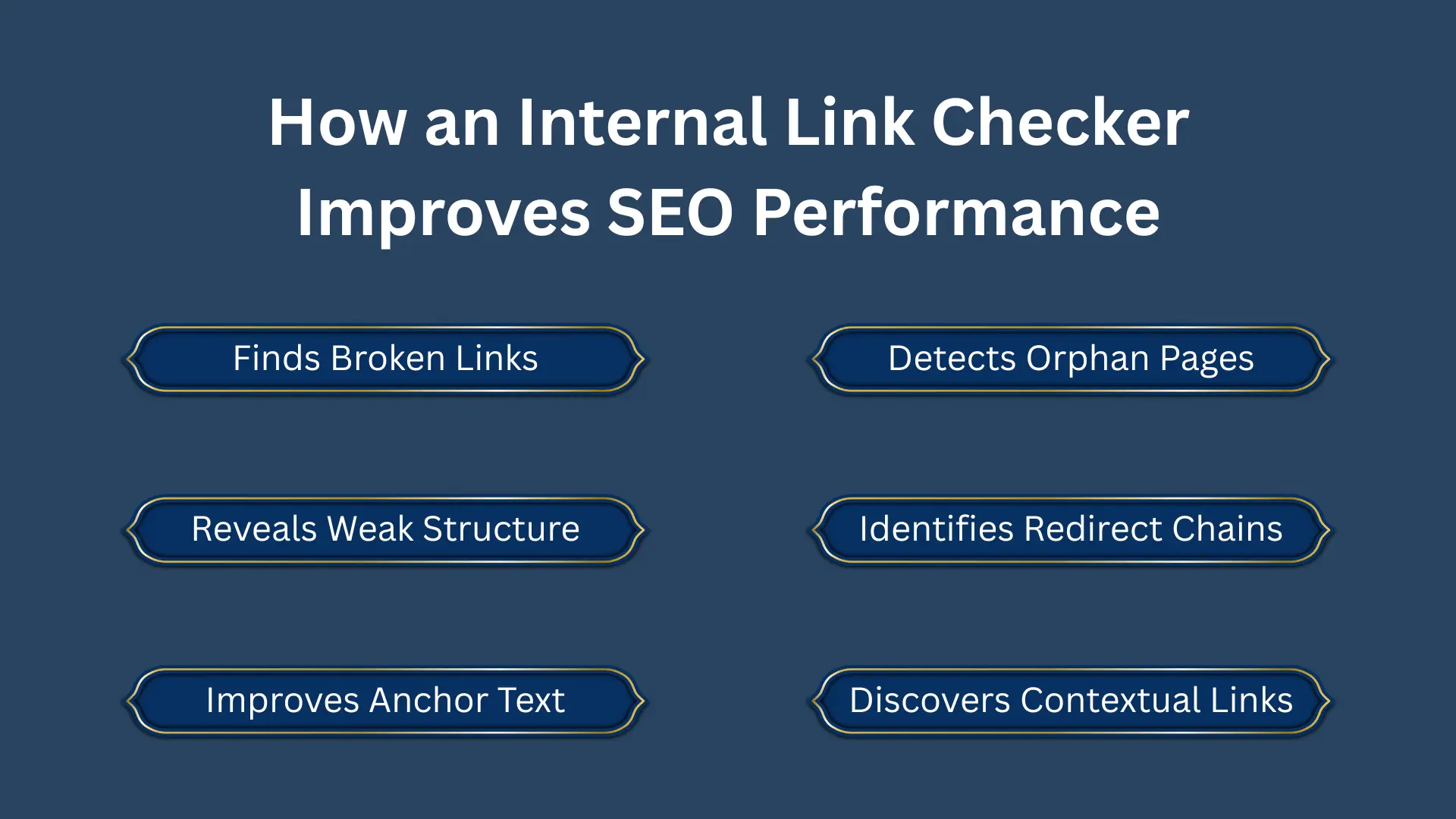
How an Internal Link Checker Improves SEO Performance
An internal link checker does much more than count links. It uncovers structural problems that quietly reduce rankings over time.
Many websites appear healthy on the surface but contain hundreds of technical issues underneath. Broken pathways, missing connections, weak anchor text, and hidden orphan pages slowly reduce crawl efficiency without obvious warning signs.
Routine SEO link analysis reveals these issues before they become expensive problems.
1. Finds Broken Internal Links
Broken links frustrate users and interrupt crawling. Imagine reading a helpful guide only to click a recommended resource that leads to a 404 error.
Trust disappears quickly. Search engines encounter similar frustrations.
Although an occasional broken link won’t destroy rankings, hundreds of broken internal links create unnecessary crawling waste.
2. Detects Orphan Pages
Some pages receive no internal links at all. These are called orphan pages.
They may contain excellent information, yet visitors rarely discover them because nothing points toward them.
Search engines struggle too. Without clear internal pathways, these pages often receive fewer crawls and weaker ranking signals.
3. Reveals Weak Link Structure
Not every page deserves equal attention.
Important service pages should receive stronger internal support than outdated announcements or archived posts.
An internal link checker visualizes your site’s link structure, helping you identify pages receiving excessive or insufficient links. Sometimes high-priority landing pages have fewer internal links than blog posts published years ago.
4. Identifies Redirect Chains
Website redesigns frequently create redirects. That’s normal.
Problems arise when multiple redirects stack together.
- Page A redirects to Page B.
- Page B redirects to Page C.
- Page C redirects again.
Search engines eventually reach the destination, but the process wastes crawl resources and slows navigation.
Internal links should point directly to the final URL whenever possible. A quality internal link checker finds these unnecessary redirect chains automatically.
5. Highlights Duplicate or Weak Link Anchor Text
Anchor text tells search engines what the destination page discusses.
Repeatedly using vague phrases like “click here” or “read more” provides almost no contextual information. Descriptive link anchor text performs much better.
- For example: Instead of: “Click here.”
- Use: “Learn more about our technical SEO services.”
That small change improves both accessibility and link text SEO.
Internal link checkers often summarize anchor text usage across your website, making it easier to spot repetitive or overly generic phrases.
6. Discovers Missing Contextual Links
Some pages naturally belong together but remain disconnected.
Perhaps you’ve written an excellent guide about crawl budget alongside another article discussing XML sitemaps.
Without internal links connecting those resources, readers may never find both.
Search engines also miss an opportunity to understand their relationship. Internal link analysis highlights these gaps, helping build stronger topic clusters.
7. Shows Crawl Depth Problems
Every additional click required to reach a page slightly reduces its visibility. Important pages shouldn’t sit buried seven clicks beneath the homepage.
Most SEO professionals recommend keeping valuable pages within three or four clicks whenever possible. An internal link checker calculates crawl depth automatically.
If high-value pages appear too deep, adding strategic internal links can significantly improve accessibility for both users and search engines.
8. Finds Internal NoFollow Links
Some websites accidentally apply nofollow attributes to internal links.
That tells search engines not to follow links that should actually help crawling. Although there are rare exceptions, most internal links should remain fully crawlable. An audit quickly identifies these unnecessary restrictions.
9. Reveals Pages Receiving Too Few Internal Links
Every important page deserves support. If cornerstone content receives only one or two internal links while less valuable pages receive dozens, rankings may suffer.
An internal link checker ranks pages according to incoming internal links, making weak spots immediately visible.
Small adjustments often create meaningful improvements.
That’s why experienced SEO teams revisit internal links regularly instead of treating them as a one-time task. A website keeps evolving. Its internal linking should evolve alongside it.
Best Internal Link Checker Tools in 2026
Several tools perform excellent SEO link analysis. Each has strengths.
- Ahrefs: Strong for large websites, internal link opportunities, and site audits.
- Screaming Frog: One of the most respected tools for technical SEO professionals. Excellent for deep crawling.
- Sitebulb: Provides visual reports that simplify complex data.
- Semrush: Combines technical audits with broader SEO insights.
- Google Search Console: Free and valuable, although less detailed for internal link analysis.
For businesses that prefer a fully managed approach, Guest Posting Solution’s SEO Audit Service includes a complete internal link analysis alongside technical SEO recommendations. Instead of interpreting raw crawl data yourself, you receive a structured report with prioritized fixes and implementation guidance.
How Guest Posting Solution Performs Internal Link Audits
Strong internal linking rarely happens by accident. It requires analysis. At Guest Posting Solution, internal audits usually follow a structured process.
- Every accessible URL is scanned. Broken links, redirects, crawl depth, and orphan pages become visible quickly.
- The entire link structure is analyzed to identify authority gaps and opportunities.
- Generic or repetitive anchor text is replaced with more descriptive alternatives.
- Related content is connected to strengthen topical authority. This becomes increasingly valuable for SEO, GEO, and AI-powered search experiences.
Conclusion
An internal link checker does far more than identify broken links. It reveals how search engines experience your website.
Strong internal links improve crawling, indexing, authority distribution, topical relevance, and user experience. They help Google understand your expertise while guiding visitors toward the content that matters most. Many websites invest heavily in content and backlinks but overlook internal linking. That’s often a costly mistake.
A thoughtful internal linking strategy, supported by regular SEO link analysis, creates a stronger foundation for long-term growth.
FAQs
How many internal links should a page have?
There is no fixed number. The ideal amount depends on content length, relevance, and user experience.
How often should internal links be audited?
Most websites benefit from a complete audit every three to six months, while larger sites may require monthly reviews.
How do I fix orphan pages in SEO?
Start by running a full crawl to identify pages with zero internal links. Once found, add contextual internal links from relevant existing content. Prioritize orphan pages that contain valuable information or target important keywords.
What is the best free internal link checker tool?
Google Search Console is the most accessible free option. It provides internal linking summaries, coverage reports, and crawl data directly from Google. Screaming Frog also offers a free version that crawls up to 500 URLs, making it suitable for smaller websites that need a quick structural overview without a paid subscription.
Does internal linking directly help Google rankings?
Yes. Internal links help Google discover pages, understand topic relationships, and distribute authority across your website. Pages with stronger internal link support tend to rank better because search engines can crawl them more efficiently and understand their relevance within your content structure.