Vanity URL Best Practices: Build Trust & Boost Click Rates
When people see a long, messy link packed with random letters, numbers, and tracking codes, they often hesitate before clicking. It looks untrustworthy and difficult to remember. A clean, branded link immediately feels more professional and gives users confidence.
That is exactly why vanity URLs have become a standard tool in digital marketing. A vanity URL is a short, branded link that redirects users to a longer destination URL.
Whether you are sharing a guest post, promoting a lead magnet, sending an email campaign, or posting on social media, a vanity URL helps your link look polished, memorable, and trustworthy.
In this guide, you will learn what a vanity URL is, how vanity links work, the SEO impact of vanity URLs, vanity URL best practices, and how to create a vanity URL in WordPress and other platforms.
What Is a Vanity URL?
A vanity URL is a short, branded web address that redirects visitors to a longer destination URL. It makes links easier to read, improves brand recognition, and creates a more trustworthy experience when sharing links through emails, social media, advertisements, and marketing campaigns.
Unlike long URLs with tracking parameters or complex folders, vanity URLs present a simple and memorable link while still directing users to the same webpage.
For example, instead of sharing:
https://example.com/services/guest-posting/?utm_source=linkedin&utm_medium=social&utm_campaign=outreach
You could share:
https://example.com/guest-posting
Both URLs lead to the same destination page, but the second one is easier to read, easier to remember, and far more professional.
Vanity URLs are custom links designed to improve branding, readability, and click-through rates. They are commonly used in marketing campaigns where businesses want to present a clean link while still tracking traffic through a longer destination URL.
Other Names for Vanity URLs
Depending on the platform or marketing context, vanity URLs may also be called vanity links, custom URLs, branded URLs, custom short URLs, and branded short links.
While the terminology varies, the concept remains the same: a memorable URL that points to a specific page.
Why They Are Called “Vanity” URLs
The term “vanity” refers to the fact that these URLs are intentionally polished and customized to look better than generic or cluttered links.
For example:
- Generic short URL: bit.ly/4Ab8Xz
- Vanity URL: yourbrand.com/free-guide
The vanity version is more attractive and trustworthy because it reflects your brand and gives users context.
How Vanity URLs Work in Digital Marketing
Vanity links make campaigns more professional because they are easier to recognize, remember, and share across digital and offline channels.
A vanity URL works by creating a short, custom link that redirects users to a longer webpage. It improves readability, makes links easier to remember, and helps businesses maintain consistent branding.
Behind every vanity URL is a redirect. When a user types or clicks a vanity URL, the server automatically forwards them to the actual destination page.
For example:
example.com/pricing
may redirect to:
example.com/services/guest-posting-pricing/?utm_source=email&utm_campaign=spring-sale
This process happens instantly.
Vanity URLs work through redirects. When someone clicks or types the short branded link, they are automatically sent to the full destination URL.
The Role of 301 Redirects
Most vanity URLs use a 301 redirect, which indicates that the redirect is permanent. This is important because search engines generally transfer most ranking signals from the vanity URL to the destination page when a 301 redirect is used.
What Users Experience
Users only see the clean vanity URL. They are not exposed to the longer URL filled with folders and tracking parameters. This creates a better experience and makes the link easier to trust.
For more useful insights, explore our other blog post, “Clean URL Structure Tips for Better SEO Performance”. Discover more to deepen your understanding.
Best Vanity URL Examples From Top Brands and Marketing Campaigns
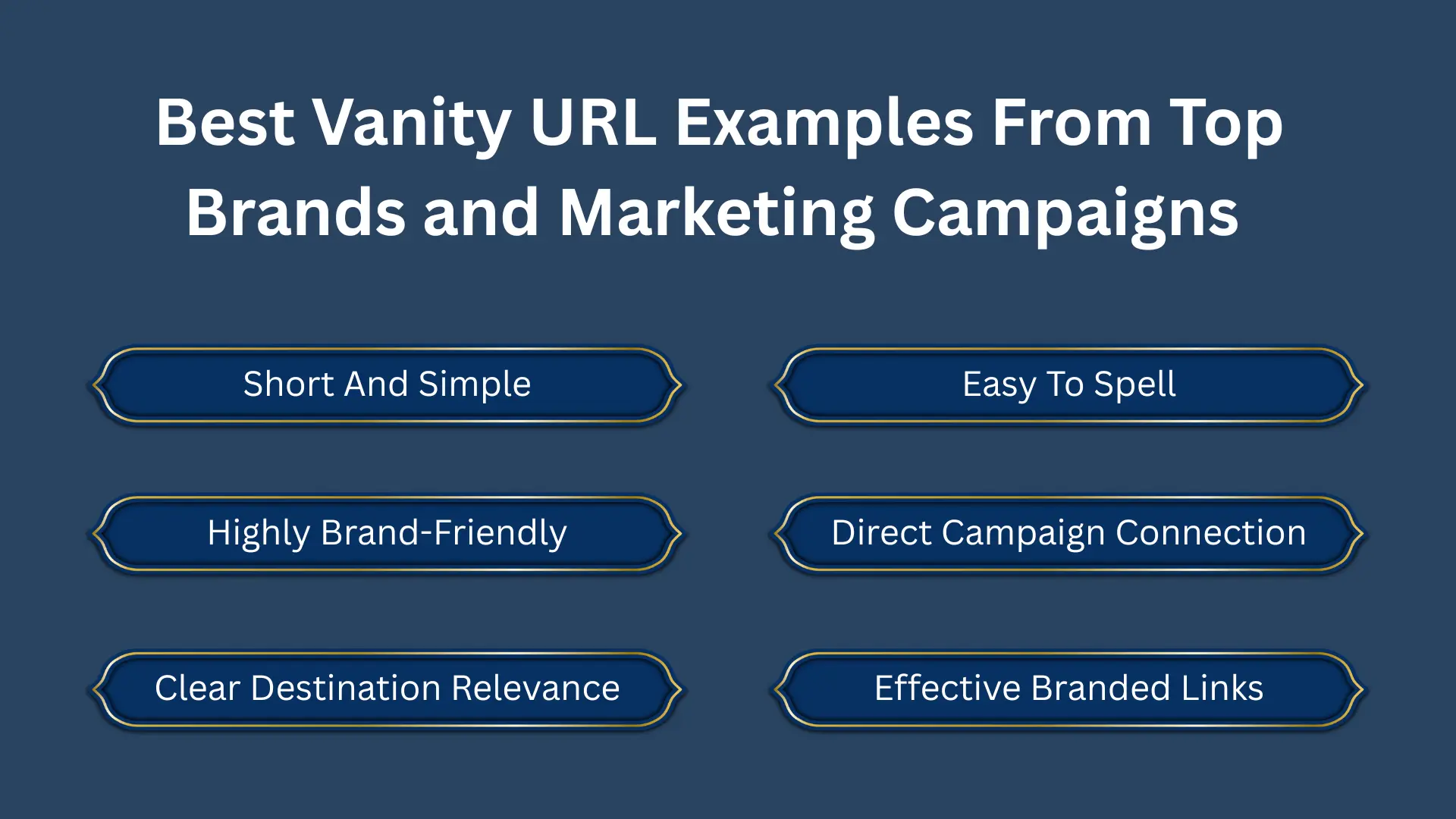
The best vanity URLs are short, easy to spell, brand-friendly, and directly related to the page or campaign they promote.
| Original URL | Vanity URL |
|---|---|
| yourdomain.com/services/search-engine-optimization-consulting | yourdomain.com/seo |
| yourdomain.com/blog/how-to-build-backlinks-in-2026 | yourdomain.com/backlinks |
| yourdomain.com/free-downloads/ultimate-seo-checklist-pdf | yourdomain.com/checklist |
| yourdomain.com/contact-us-book-a-demo | yourdomain.com/demo |
Real-World Vanity URL Examples
Many major brands rely on vanity URLs.
- HubSpot uses links like hubspot.com/crm
- Nike uses campaign-specific URLs such as nike.com/member-days
- YouTube uses the short branded domain youtu.be
- Bitly enables businesses to create branded short links
Why These Examples Work
These URLs are effective because they are:
- Short
- Descriptive
- Easy to spell
- Relevant to the destination page
- Clearly associated with the brand
Why Vanity URLs Are Important for Branding, Trust, and Click-Through Rates
Vanity URLs are much more than a cosmetic improvement. They influence how people perceive your brand and often determine whether users feel confident enough to click. Clean, branded links look professional and create a stronger first impression.
1. Better Brand Recognition
Every time you share a branded vanity URL, your company name appears in front of users, reinforcing brand awareness and making your business more recognizable.
2. Higher Click-Through Rates
Recognizable branded links can increase click-through rates because users trust them more than generic shortened URLs with random letters and numbers.
3. Improved Trust
Clean vanity links look official and reduce suspicion, helping users feel more comfortable clicking your link in emails, ads, and social posts.
4. Easier to Remember
A short custom URL is easier to recall after hearing it on a podcast, webinar, video, or seeing it in print.
5. Better Tracking
Vanity links can redirect to URLs with UTM parameters, allowing you to track clicks, conversions, and campaign performance accurately.
6. Stronger Offline Marketing
Vanity URLs are perfect for brochures, billboards, business cards, presentations, and podcasts because they are short and easy to type manually.
Vanity URLs make links look more professional and trustworthy. A clean branded link can encourage more clicks because users understand where the link will take them.
Do Vanity URLs Help SEO?
Vanity URLs do not directly improve search rankings. However, they support SEO by increasing user trust, improving click-through rates, strengthening brand signals, and preserving link value when proper 301 redirects are used.
1. Improved Click-Through Rates
Clean, branded vanity URLs look more trustworthy than long or generic links. When users recognize your domain and understand where the link leads, they are more likely to click, which can increase traffic and engagement signals. Some industry studies report branded links generating materially higher click-through rates than generic short URLs.
2. Better User Experience
A descriptive vanity link tells users exactly what to expect before they visit the page. This reduces uncertainty and creates a smoother experience, especially when links are shared in emails, guest posts, and social media content.
3. Stronger Brand Signals
Every branded link reinforces your company name. Repeated exposure can increase brand recognition, leading to more branded searches over time, which can strengthen your overall search presence.
4. Improved Backlink Acquisition
Publishers and bloggers often prefer linking to short, readable URLs instead of long links with parameters. This can make your content appear more authoritative and easier to reference.
5. Preserves Link Equity With 301 Redirects
A properly configured 301 redirect passes most ranking signals from the vanity URL to the target page, allowing you to benefit from any backlinks pointing to the branded URL.
6. Cleaner URLs in Search and Social Snippets
Even when shared outside search results, a concise branded URL improves how your content appears in social posts, emails, and messaging apps, increasing the likelihood of clicks and engagement.
7. Easier Campaign Tracking
Vanity URLs can redirect to destination URLs with UTM parameters, allowing you to track campaign performance while presenting a clean public-facing link. This helps you identify which channels drive the most valuable traffic.
Vanity URL vs URL Shortenr
A vanity URL uses your own branded domain, while a regular URL shortener often uses a third-party domain. Vanity URLs are usually better for trust, branding, and long-term campaigns.
| Feature | Vanity URL | URL Shortener |
|---|---|---|
| Branding | Uses your own domain, strongly reinforces brand identity in every link share | Usually uses generic domains like bit.ly or tinyurl, minimal brand visibility |
| Trust Level | Higher trust because users recognize the brand before clicking | Lower trust as users may be cautious of unknown or generic short links |
| Customization | Fully customizable slugs like /free-guide or /seo-audit | Limited customization depending on tool, often auto-generated strings |
| SEO Value | Supports SEO indirectly through branded signals, better CTR, and proper 301 redirects | Minimal SEO benefit, mainly focuses on link shortening and tracking |
| Click-Through Rate | Generally higher due to recognizable and descriptive structure | Can be lower due to lack of context or brand clarity |
| Analytics & Tracking | Advanced tracking possible when integrated with analytics or UTM parameters | Built-in click tracking is a primary feature in most tools |
| Use Case Flexibility | Ideal for branding, campaigns, guest posts, and long-term marketing assets | Best for quick sharing, temporary links, and social media posts |
Vanity URLs vs Vanity Domains
A vanity URL is a custom path on your existing domain, such as yourdomain.com/demo. A vanity domain is a separate branded domain used mainly for short links or campaign tracking.
| Feature | Vanity URLs | Vanity Domains |
|---|---|---|
| Structure | Uses existing domain with custom slug like yourdomain.com/offer | Uses separate domain like goyourbrand.com or brand.link |
| Primary Purpose | Improve readability, tracking, and campaign-level marketing links | Strengthen brand identity and create fully branded short-link ecosystems |
| Branding Impact | Moderate branding since it still uses main website domain | Very strong branding as entire domain is custom and memorable |
| Flexibility | High flexibility for creating multiple campaign-specific links under one domain | Requires separate domain setup and management for each brand or campaign system |
| SEO Influence | Indirect SEO benefits through better CTR and 301 redirects to main pages | No direct SEO benefit, mainly used for marketing and link branding |
When and Where to Use Vanity URLs for Maximum Marketing Impact
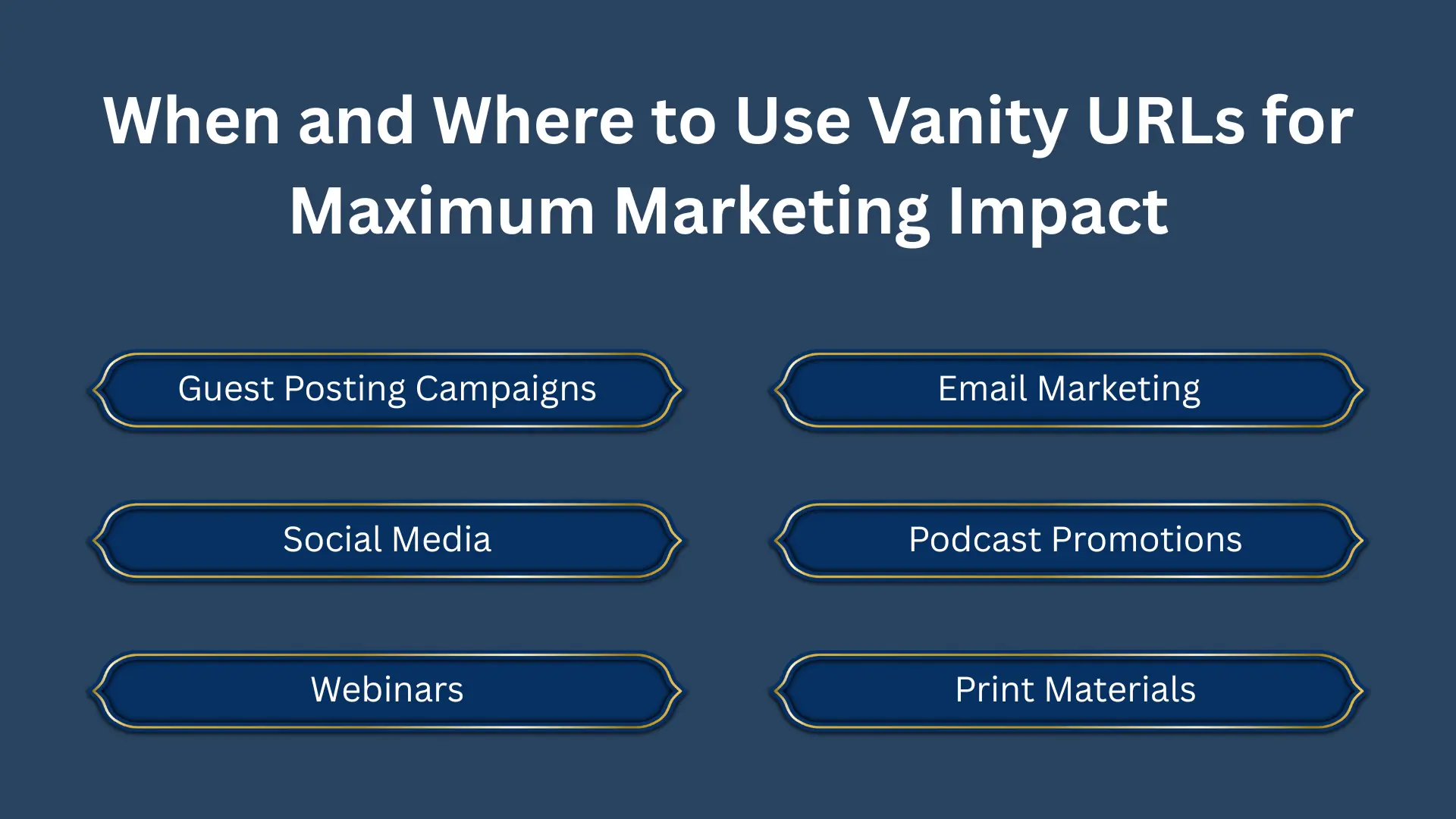
Vanity URLs work best in places where users need to quickly read, remember, type, or trust a link, such as emails, social posts, guest posts, podcasts, webinars, and print materials.
- Guest Posting Campaigns: Use links like: guestpostingsolution.com/order
- Email Marketing: Create links such as: yourdomain.com/discount
- Social Media: Use memorable URLs in bios and posts.
- Podcast Promotions: Short links are easier to speak aloud.
- Webinars: Use URLs like: yourdomain.com/live-demo
- Print Materials: Vanity URLs are ideal when users must manually type the link.
Vanity URL Best Practices for SEO, Branding, and URL
A good vanity URL should be short, descriptive, lowercase, easy to spell, and connected through a proper 301 redirect.
- Keep It Short: Aim for one to three words.
- Make It Descriptive: Users should understand where the link leads.
- Use Lowercase Letters: Avoid uppercase to prevent confusion.
- Separate Words With Hyphens: Use: yourdomain.com/free-audit. Not: yourdomain.com/free_audit
- Include Relevant Keywords Naturally: Do not stuff keywords.
- Avoid Dates Unless Necessary: /summer-sale is more reusable than /summer-sale-2026.
- Use HTTPS: Secure links build trust.
- Set Up 301 Redirects: Permanent redirects are best for stable campaigns.
- Avoid Redirect Chains: Link directly to the final destination.
- Track Performance: Use UTM parameters and analytics.
- Bitly and other providers recommend keeping vanity links concise, readable, and brand-aligned.
How to Create a Vanity URL Step by Step for Any Website
To create a vanity URL, choose the destination page, create a short slug, set up a 301 redirect, add tracking if needed, test the link, and monitor its performance.
1: Choose the Destination URL
Select the page you want to promote, ensuring it matches your campaign goal and audience intent clearly.
2: Create a Short Slug
Pick a memorable path like /guide, keeping it simple, relevant, and aligned with your content or brand messaging strategy.
3: Set Up a Redirect
Use your CMS, server settings, or redirect tool to connect vanity URL with destination using proper 301 redirect configuration.
4: Add Tracking Parameters
Append UTM tags to the destination URL if needed, allowing accurate tracking of traffic sources, campaigns, and conversions effectively.
5: Test the Link
Ensure it loads correctly and securely across devices, browsers, and platforms before sharing publicly in marketing or promotional campaigns.
6: Monitor Analytics
Track clicks, conversions, and engagement regularly using analytics tools to measure performance and optimize your vanity URL strategy continuously.
For more useful insights, explore our other blog post, “SEO Report: Analytics & Insights That Show Real Growth”. Discover more to deepen your understanding.
How to Create a Vanity URL in WordPress Using Plugins
WordPress users can create vanity URLs easily with plugins like Pretty Links or Redirection. These tools let you set custom slugs, choose redirect types, and track clicks without coding.
1. Choose the Destination URL
Start by selecting the final page where users should land after clicking the vanity URL. This could be a service page, blog post, lead magnet, pricing page, webinar page, or campaign landing page.
Make sure the destination URL matches the promise of the vanity URL. For example, if your vanity link is yourdomain.com/seo-guide, it should take users directly to an SEO guide, not a general homepage.
2. Create a Short and Clear Slug
The slug is the custom part of the vanity URL that comes after your domain, such as /demo, /pricing, or /free-guide. Keep it short, readable, and directly connected to the page topic.
Avoid long slugs, random numbers, or keyword stuffing. A simple URL like yourdomain.com/backlinks is much better than yourdomain.com/best-seo-backlink-building-services-online.
3. Set Up a Redirect
Connect the vanity URL to the final destination URL using a proper redirect. For permanent campaigns, use a 301 redirect because it tells search engines and browsers that the link has a permanent destination.
WordPress users can use plugins like Pretty Links or Redirection. Server-level users can add a 301 redirect through .htaccess, Nginx rules, cPanel, or their hosting dashboard. Avoid using a temporary 302 redirect for permanent vanity URLs because it is not ideal for passing long-term link signals.
4. Add Tracking Parameters If Needed
If you want to track traffic from a specific campaign, add UTM parameters to the destination URL, not the public-facing vanity URL. This keeps your shared link clean while still giving you data in Google Analytics or another tracking tool.
For example, users may see yourdomain.com/sale, but the redirect can send them to a longer URL with UTM tags. This helps you measure traffic from email, social media, ads, podcasts, or guest posts.
5. Test the Vanity URL Before Sharing
Before using the link publicly, test it on desktop and mobile. Make sure it opens the correct page, loads securely with HTTPS, and does not create a redirect error.
Also, check that the destination page loads quickly and that tracking parameters are working correctly. A broken vanity URL can waste traffic and damage user trust.
6. Monitor Clicks and Performance
After publishing the vanity URL, track its clicks, conversions, and engagement. This helps you understand which campaigns, platforms, or messages are sending the best traffic.
You can monitor performance through Google Analytics, Pretty Links, Bitly, Rebrandly, or your preferred tracking tool. If a vanity URL performs well, you can use the same style for future campaigns.
Best Tools and Vanity URL Generators
Tools like Pretty Links, Redirection, Bitly, Rebrandly, TinyURL, and YOURLS help you create and manage vanity URLs depending on your website setup and tracking needs.
- Bitly: Popular branded short link platform with analytics.
- Rebrandly: Built specifically for branded links and custom domains.
- TinyURL: Simple URL shortening with custom aliases.
- YOURLS: Open-source vanity URL generator you can host yourself.
- Pretty Links: Excellent for WordPress users.
Common Vanity URL Mistakes That Hurt SEO
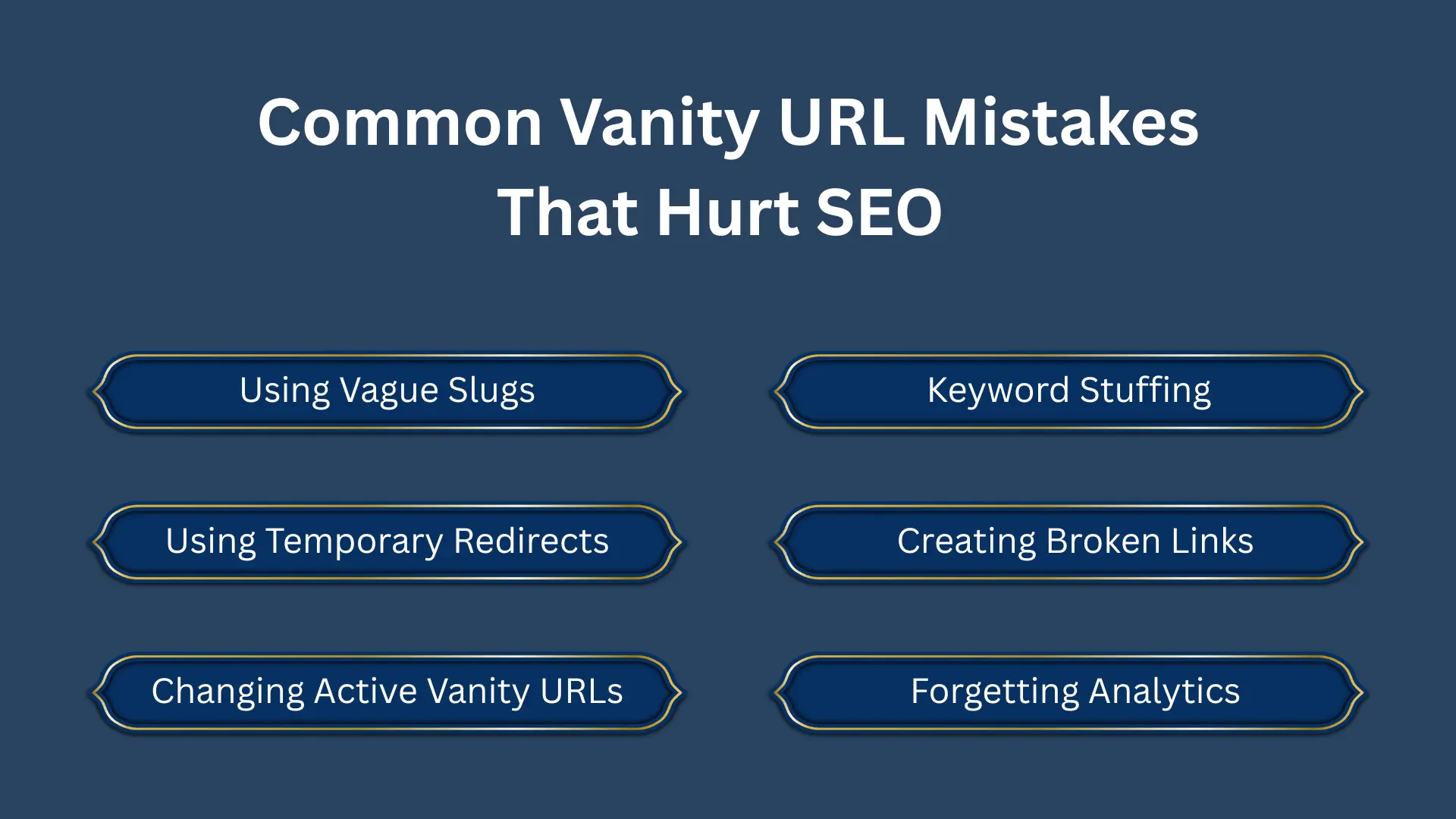
Vanity URLs can hurt performance if they use vague slugs, broken redirects, redirect chains, keyword stuffing, or temporary redirects for permanent pages.
- Using Vague Slugs :yourdomain.com/page1 says nothing about the content.
- Keyword Stuffing: /best-seo-link-building-services-company looks unnatural.
- Using Temporary Redirects: 302 redirects are not ideal for permanent campaigns.
- Creating Broken Links: Always test before publishing.
- Changing Active Vanity URLs: Do not alter widely shared links unless necessary.
- Forgetting Analytics: Without tracking, you lose valuable performance data.
For more useful insights, explore our other blog post, “Why You Need an Internal Link Checker for SEO Success”. Discover more to deepen your understanding.
Are Vanity URLs Worth It?
Yes, vanity URLs are worth using for most businesses because they improve trust, branding, memorability, and campaign tracking with very little setup effort.
- More trustworthy
- Easier to remember
- Better for branding
- Easier to track
- More effective in campaigns
The implementation is simple, and the marketing benefits can be substantial.
How Guest Posting Solution Can Use Vanity URLs
Guest Posting Solution can use vanity URLs for service pages, pricing pages, consultation links, case studies, and outreach campaigns to make links look cleaner and more professional.
For example, a short branded link can be created for an order page, a consultation page, or a case study page. When someone clicks that link, it should redirect them to the correct full page using a proper 301 redirect.
This approach keeps links clean and professional without showing long URLs with folders, tracking codes, or unnecessary details. It is especially useful when links are shared in guest posts, emails, social media posts, client proposals, and offline marketing materials.
Final Thoughts
A vanity URL is a simple but powerful marketing asset. It transforms long and cluttered links into clean, memorable addresses that inspire trust and strengthen your brand.
Whether you are running SEO campaigns, sharing guest posts, promoting webinars, or sending email newsletters, vanity URLs make your marketing look more polished and professional.
If your business relies on links to generate traffic and leads, creating branded vanity links is one of the easiest improvements you can make today.
FAQs
How Much Does It Cost to Create a Vanity URL?
If you already own a domain, you can create vanity URLs at little to no additional cost using redirects or WordPress plugins available easily configured.
Can I Create Vanity URLs in WordPress?
Yes. Plugins like Pretty Links and Redirection make the process easy without coding and allow full control over redirects and tracking links inside dashboard tools.
How Long Should a Vanity URL Be?
Short enough to remember, but descriptive enough to convey purpose, ideally two to five words for clarity, branding, and user-friendly sharing across platforms, consistently effective.
What is the difference between a vanity URL and a URL shortener?
A vanity URL usually uses your own branded domain, while a regular URL shortener often uses a third-party domain like Bitly or TinyURL. Vanity URLs are better for trust and branding because users can recognize the business before clicking.
Can I use vanity URLs on social media?
Yes, vanity URLs are useful on social media because they look clean and trustworthy. They are easier to place in bios, captions, posts, ads, and campaign messages.