On-Page SEO Checklist 2025: Optimize Every Page
If you want your website to rank higher on Google, on-page SEO is the key. On-page SEO is all about optimizing individual pages on your website so that search engines can easily understand what your page is about. When your pages are optimized correctly, Google can show them to the right people who are searching for the products or services you offer. This means more visitors, more leads, and more potential customers for your business.
On-page SEO includes many small but important steps. From using the right keywords to writing helpful content, from creating clear headings to optimizing images and links, every detail matters. If these steps are done properly, your website becomes easier for Google to read, and visitors will have a better experience.
In this guide, we will walk you through a simple seo checklist for every page on your website. You don’t need to be an expert to follow these steps. Even beginners can apply them and start seeing results. By the end of this guide, you will know how to make your website more visible, organized, and user-friendly, helping your pages rank higher in Google search results.
Understanding On-Page SEO
1. What is On-Page SEO?
On-page SEO is the process of improving individual web pages so they can rank higher on Google. It includes using the right keywords, headings, meta descriptions, and high-quality content. Proper on-page SEO makes it easier for search engines to understand your page and show it to people looking for your products or services.
2. How On-Page SEO Helps Your Website
On-page SEO helps your website appear in search results. When your pages are optimized, Google shows them to the right audience. This brings more visitors, clicks, and potential customers. It also makes your website easy to navigate, helping users stay longer, read more content, and trust your business.
3. Key Elements of On-Page SEO
Important elements include the page title, headings, meta descriptions, URLs, content, and images. Using the main keyword in the right places and adding related keywords naturally helps Google understand your content. Small things, like internal links and alt text for images, also make a big difference in ranking.
4. Why Skipping On-Page SEO Can Hurt
If you ignore on-page SEO, your pages may not appear in search results. Even if you have great content, Google might not understand it. This means fewer visitors, lower engagement, and missed opportunities. Optimizing each page ensures your website reaches more people and stays competitive online.
Check List While Doing On-Page SEO
1. Title Tag Optimization
Your title tag is the first thing search engines and users see. A strong, keyword-rich title improves both visibility and click-through rate.
Key Points:
- Include your primary keyword near the start.
- Keep it under 60 characters.
- Write unique, engaging titles for every page.
- Add your brand name if space allows.
2. High-Quality, Relevant Content
Content is the foundation of on-page SEO. Well-researched, original, and user-focused content helps improve dwell time, reduce bounce rate, and build topical authority.
Key Points:
- Write unique, valuable content for your audience.
- Use related (LSI) keywords naturally.
- Cover topics in-depth to match search intent.
- Keep paragraphs short and readable.
3. Header Structure (H1–H3)
Proper use of headers improves content organization and helps search engines understand your topic hierarchy. It also enhances readability for users.
Key Points:
- Use one H1 tag per page.
- Place target keywords in H1 or H2 tags.
- Organize sections with H2 and H3 subheadings.
- Keep headers descriptive and logical.
4. URL Optimization
SEO-friendly URLs help search engines and users understand page content easily. Short, keyword-focused URLs tend to perform better in search results.
Key Points:
- Keep URLs short, clean, and descriptive.
- Use hyphens (-) between words.
- Include main keyword naturally.
- Avoid numbers, special characters, or unnecessary words.
5. Internal Linking
Internal links guide users and search engines to important pages, distribute authority, and strengthen your website’s structure for better crawling and ranking.
Key Points:
- Link to related content within your site.
- Use keyword-rich anchor text.
- Ensure no broken internal links.
- Add links from high-authority pages to newer ones.
6. Image Optimization
Optimized images improve user experience, page speed, and accessibility all important ranking factors in modern SEO strategies.
Key Points:
- Use descriptive file names (e.g., seo-checklist.jpg).
- Add alt text with relevant keywords.
- Compress images to reduce size without losing quality.
- Use WebP format for faster loading.
7. Page Speed & Mobile Friendliness
Fast-loading, mobile-optimized pages improve user satisfaction and ranking. A slow or unresponsive site can drastically reduce engagement and conversions.
Key Points:
- Optimize images and minify CSS/JS files.
- Enable browser caching and use a CDN.
- Use responsive design for all devices.
- Test Core Web Vitals regularly for performance.
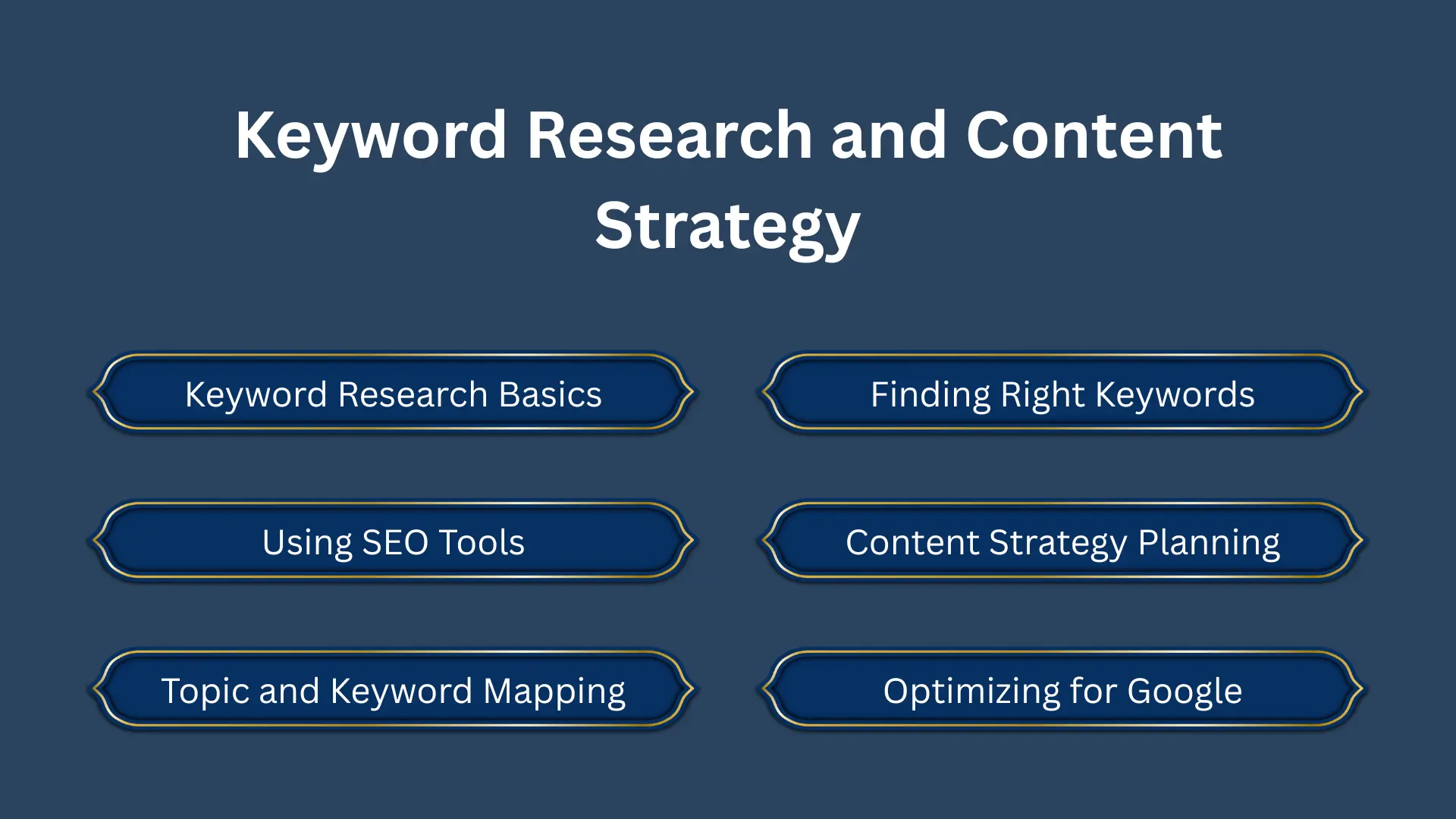
Keyword Research and Content Strategy
Finding the right keywords
Keywords are the words people type in Google to find your products or services. Use tools like Google Trends or keyword planners to discover popular search terms. For example, instead of just “SEO,” target “on-page SEO checklist 2025” or “seo optimization tips for beginners.”
Planning your content strategy
A strong seo content strategy helps organize your content for readers and search engines. Decide what topics to cover and which keywords to use on each page. This ensures every page is useful, focused, and easy for Google to understand.
Optimizing Your Page Structure
Titles, meta descriptions, and headings
Always use your main keyword in the page title and meta description. Break content into sections with H2 and H3 headings. Headings help readers scan the page and tell Google what the content is about. Short, clear headings are best.
URLs and internal links
Use short, keyword-rich URLs like /on-page-seo-checklist. Link to other pages on your site using internal links. This helps visitors explore your site and improves your ranking. Proper page structure makes your website more organized and easier for Google to crawl.
Content Quality and User Experience
Writing helpful content
Your content should answer questions clearly, be easy to read, and original. Use short paragraphs, bullet points, and images to make it engaging. Good content keeps visitors on your page longer, which signals Google that your page is useful.
Improving user experience
Make your site mobile-friendly and fast-loading. Use readable fonts, simple navigation, and avoid annoying pop-ups. A smooth user experience keeps visitors happy and encourages them to explore your website. UX is now a key seo ranking factors.
Read our recent blog “Local SEO Agency Tips to Rank Higher in Your City”.
Technical On-Page SEO
1. Optimizing Images for Speed
Images make your page look nice, but large files can slow it down. Compressing images reduces file size without losing quality. Faster pages improve user experience and help your site rank higher on Google. Use tools like Tiny PNG or Image Optima to compress images before uploading them. Small improvements in speed can make a big difference in how visitors interact with your site.
2. Adding Descriptive Alt Text
Alt text is a short description of an image for search engines and screen readers. For example, “on-page SEO checklist example” tells Google what the image is about. Alt text improves accessibility for people with disabilities and helps your images appear in Google Image Search. Always use clear, simple descriptions that include your target keyword naturally.
3. Improving Page Speed
Page speed is a major ranking factor. Slow pages frustrate visitors and increase bounce rates. Compress images, remove unnecessary scripts, and use caching to make your site faster. Check speed with Google Page Speed Insights. A fast website keeps visitors happy and shows Google that your site is high quality and user-friendly.
4. Mobile Optimization
Most users now browse on phones or tablets, so your website must be mobile-friendly. Make sure your site layout adapts to all screen sizes. Buttons should be easy to tap, fonts readable, and content should fit small screens. Mobile-optimized sites improve user experience and increase rankings in Google’s mobile-first index.
5. Guest Posting for Backlinks
Guest posting means writing articles for other trusted websites. When they link back to your site, Google sees it as a vote of confidence. High-quality backlinks improve your website’s authority and help your pages rank higher. Combine guest posting with on-page SEO for the best results. Focus on relevant sites in your niche for maximum impact.
Key Points:
- Compress images to reduce loading time.
- Add clear alt text with target keywords.
- Use caching and remove unnecessary scripts for faster speed.
- Make your website mobile-friendly for all devices.
- Build backlinks through guest posting on trusted websites.
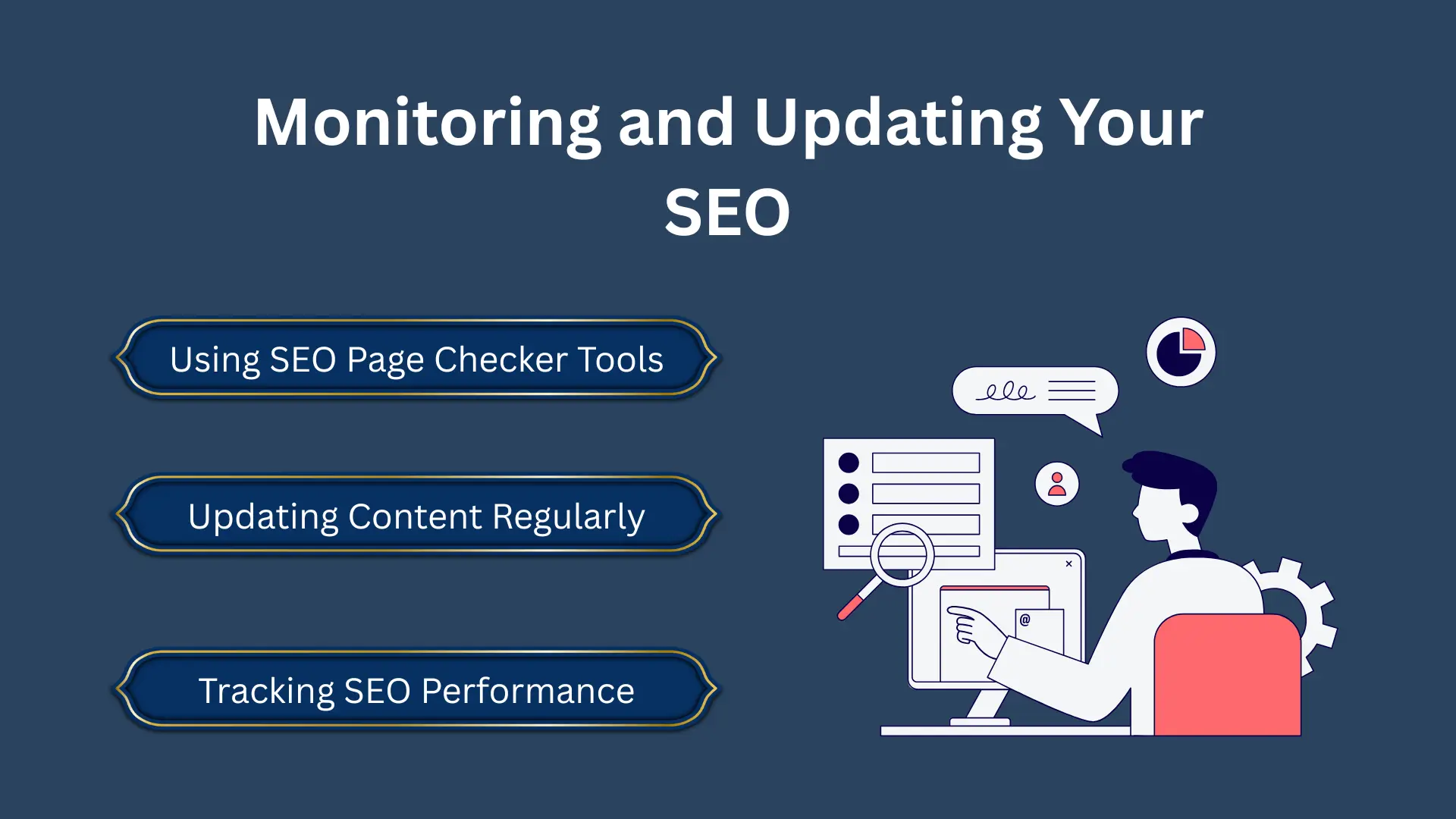
Monitoring and Updating Your SEO
1. Using SEO Page Checker Tools
SEO page checker tools help you see how well your pages are optimized. They analyze keywords, headings, meta descriptions, page speed, and other important factors. By using these tools, you can find weak areas on your website and fix them. Regular checks keep your pages strong and help you stay ahead of competitors in search rankings.
2. Updating Content Regularly
Google loves fresh and updated content. Adding new tips, examples, or statistics every few months keeps your pages relevant. Updated content improves your ranking and attracts more visitors. Even small changes, like fixing old information or adding new images, show Google that your website is active and trustworthy.
3. Tracking SEO Performance
Monitoring your SEO performance is important to know what works. Track page views, clicks, and keyword rankings regularly. This helps you understand which pages are doing well and which need improvement. Tracking also allows you to adjust your strategy and make your on-page SEO more effective over time.
Guest Posting Solution – Global SEO & Link-Building Agency
About Us:
Guest Posting Solution is a leading SEO and digital outreach agency specializing in guest posting services worldwide. We help businesses boost their online visibility, domain authority, and search engine rankings through high-quality backlinks and content-driven strategies.
What We Offer:
- Manual outreach to real, niche-relevant websites
- DA/DR-based link building on high-authority sites
- Content writing by experienced SEO writers
- Transparent reporting and lasting results
- Worldwide coverage we connect brands with publishers across all major regions
Our Mission:
To help businesses grow organically by building authentic connections and sustainable SEO foundations through ethical, white-hat guest posting.
Why Choose Us:
- 100% White-Hat Techniques
- Global Network of Publishers & Bloggers
- Customized SEO & Link Building Strategies
- Affordable Packages for All Business Sizes
Conclusion
On-page SEO is the foundation of every successful website. It helps search engines understand your content and show it to the right audience. By following a simple SEO checklist, you can optimize your page titles, headings, content, images, and overall page structure. Combining this with a clear SEO content strategy, fast-loading pages, and mobile-friendly design ensures a better user experience.
Regular monitoring and updates keep your pages fresh and relevant, helping you stay ahead of competitors. Even beginners can start with small improvements and see results over time. By putting in consistent effort, your website can rank higher on Google, attract more visitors, and perform well in 2025 and beyond. On-page SEO is not a one-time task it’s an ongoing process that pays off in long-term growth.
FAQs
-
How long does it take to see results from on-page SEO?
It usually takes 2–3 months to see small improvements. Significant results often take 4–6 months of consistent optimization and content updates.
-
Can I do on-page SEO myself?
Yes! With the right guidance and tools, beginners can handle most on-page SEO tasks, like optimizing content, headings, images, and meta descriptions.
-
Do I need a website to do on-page SEO?
Yes. On-page SEO works on your website pages. It helps Google understand your content and show it to potential visitors. Without a website, on-page SEO cannot be applied.