Technical SEO Audit Checklist: Fix Issues That Block Your Rankings

Indeed, content and links matter, but if the technical foundation of your website isn’t rock‑solid, search engines might not even see what you’ve built. It’s like building a skyscraper on shifting sand.
This is where a thorough Technical SEO audit checklist comes in. It’s not glamorous. It won’t churn out blog drafts or guest posts. But it’s the invisible scaffolding that ensures your hard work isn’t wasted, that search engines can crawl, index, and serve your content properly, and that visitors actually experience your site as you intend.
This post highlights a full Technical SEO audit checklist step by step, from crawlability to core web vitals to schema. I’ll explain not just what to check, but why you should care.
Core Areas of a Technical SEO Audit
Before we jump into details, a modern technical audit generally covers these core areas (and we’ll walk through each in depth):
- Pre‑Audit Preparation
- Crawlability & Indexing
- Performance & User‑Experience (Speed, Core Web Vitals, Mobile)
- Security, HTTPS, Site Configuration
- Structured Data / Schema / Rich Snippets
- Internal Linking, Site Architecture & Content Hygiene
- Crawl Errors, Broken Links & Redirect Management
- Post‑Audit Actions & Ongoing Monitoring
These are the structural foundations of SEO health. Missing even one, for example, improperly configured HTTPS, or a sitemap that isn’t submitted, or a slow site, can block your entire ranking potential.
Let’s go step-by-step through your Technical SEO Audit Checklist.
1. Pre‑Audit Preparation
Before you start blasting through code or speed optimizations, take a breath. A good audit begins with planning.
Define Goals & Scope
You need clarity: are you auditing your entire domain, or just a portion (blog, shop, landing pages)? Are you re‑auditing after a redesign? Or doing this for the first time?
Also: record baseline metrics now. Note current organic traffic, bounce rate, average page speed, number of indexed pages, and any known errors. These will serve as your before/after comparison.
Why this matters: Without baseline data, you won’t know if your fixes actually made a difference, and you risk chasing ghosts instead of real issues.
Gather Tools & Setup Audit Infrastructure
You don’t need to spend big; however, you do need the right tools. For example, you can use site crawlers such as Screaming Frog, Sitebulb, Ahrefs, or the SEMrush Site Audit. Additionally, performance tools like Lighthouse or PageSpeed Insights help you uncover technical bottlenecks, while webmaster tools, particularly Google Search Console (GSC), provide ongoing visibility into site health.
Moreover, it’s essential to create an audit log or spreadsheet. Be sure to list pages/URLs, issue type, severity, notes, and status (fixed/unfixed). In fact, treating this as an ongoing project rather than a one-off checklist will keep you organized. And if your site has many pages, this structured tracking will ultimately save you both time and sanity.
Thinking like a business owner: this preparation ensures you’re not just “tweaking things,” you’re building a measurable process that makes a real difference in SEO health and future performance.
2. Crawlability & Indexing Audit
Even the most beautiful, content‑rich pages don’t matter if search engines can’t reach or index them.
Robots.txt, Sitemap & Indexation Settings
- Check that you have a valid robots.txt, and that you’re not accidentally blocking important pages (e.g., avoid “Disallow: /” mistakes). Many crawl problems stem from a misconfigured robots.txt.
- Ensure you have an up‑to-date XML sitemap. Submit it to GSC (or relevant webmaster tool) so search engines know what to crawl and index.
- Confirm that pages meant to rank aren’t tagged “noindex,” and canonical tags are properly used when needed. Especially important for sites with similar or duplicate pages (e.g., parameterized URLs, tagging filters, multiple domain versions).
Check Index Coverage & Duplicate/Soft‑404/Noindex Issues
- Use GSC (or crawl tools) to see which pages are “Crawled but not Indexed,” “Excluded by noindex,” or have errors. Fixing these ensures that good content doesn’t stay invisible.
- Look for duplicate content, duplicate meta tags, or near-duplicate pages (common on e‑commerce or content-heavy sites). These can confuse search engines and dilute your SEO value you may need to consolidate or canonicalize.
From a reader / site‑owner perspective: this ensures that what you worked hard to create isn’t hidden behind configuration mistakes. It’s the difference between “you built it, but no one sees it” and “your content is live, crawlable, and indexable.”
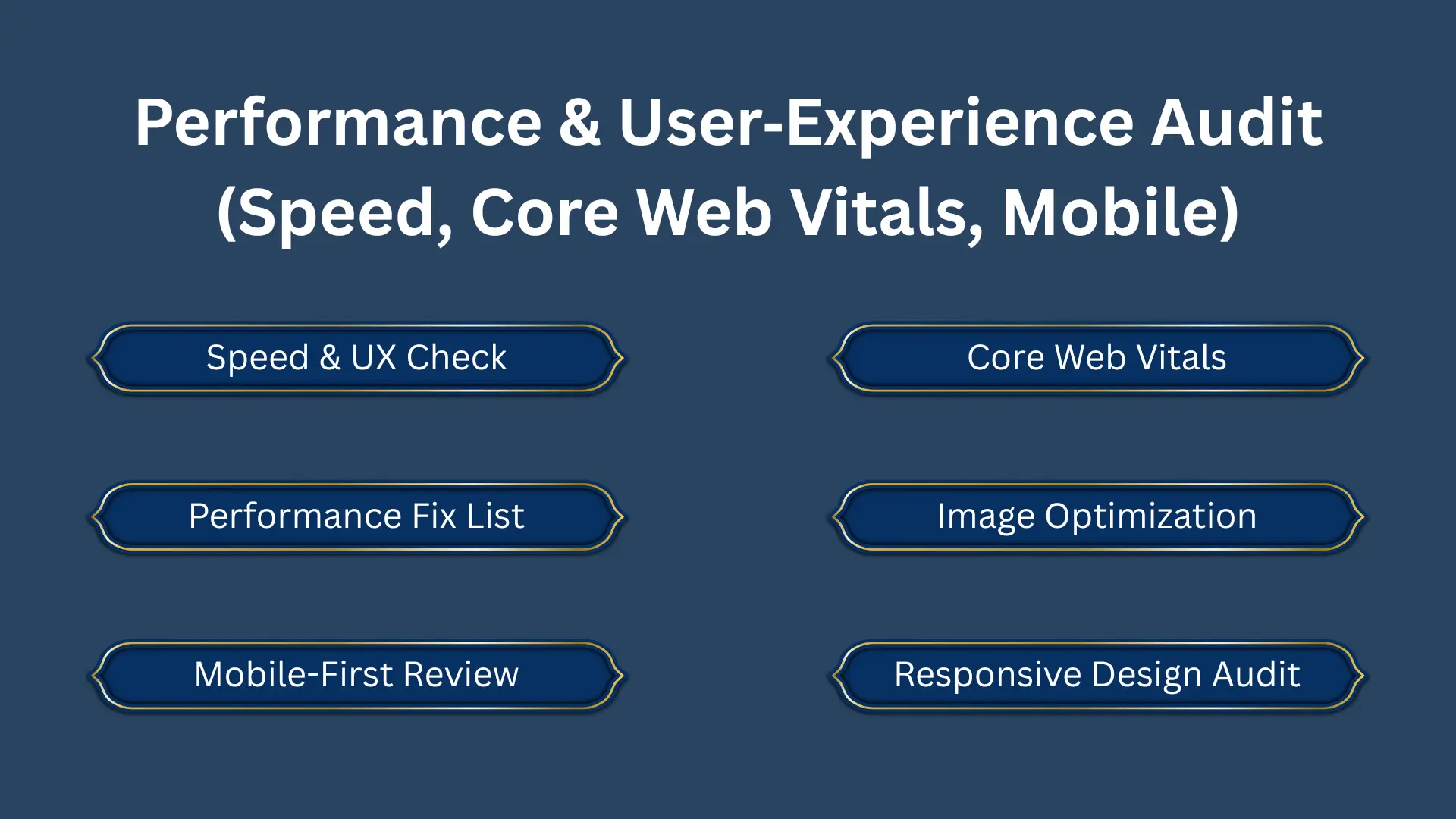
3. Performance & User‑Experience Audit (Speed, Core Web Vitals, Mobile)
This part is often the biggest blocker, and also the part with some of the most visible impact for users and rankings.
Why Speed & Core Web Vitals Matter
Modern search engines value not just content, but how quickly and smoothly it loads and displays. A fast, responsive site keeps users happy and helps lower bounce rates, increase engagement, and boost conversions.
Metrics you should monitor:
- Largest Contentful Paint (LCP) is how long the main content takes to load. Aim for LCP under ~2.5 seconds.
- First Input Delay (FID) is how quickly the page becomes interactive. Lower is better (ideally <100 ms).
- Cumulative Layout Shift (CLS) measures unexpected layout shifts while page loads (ads, images loading late, dynamic content, etc.). Target under ~0.1.
These, together called Core Web Vitals, are now part of ranking algorithms: they align user experience (fast, smooth, stable) with SEO.
Performance Optimization: What to Check & Fix
- Optimize images: compress, resize, use modern formats (WebP), set correct dimensions, reduce load time, and avoid layout shifts.
- Minify CSS, JS, HTML: remove unnecessary spaces/characters; reduce unused CSS/JS. Helps speed up rendering.
- Defer or asynchronously load non‑critical JS/CSS: so critical content loads first.
- Use caching and CDN for repeated visits, store static resources locally, or serve from global servers to reduce latency.
- Server and backend performance server response times should be fast (ideally under ~600 ms or lower), to avoid bottlenecks at the start of requests.
Mobile‑First & Responsive / Mobile Usability
These days, many, maybe most of your visitors will come from mobile devices.
- Ensure responsive design: layout adapts to screen size, readable font sizes, tappable buttons/links, and no horizontal scroll.
- Test with mobile‑specific tools (e.g., Google’s Mobile‑Friendly Test, Mobile Usability report in GSC) to catch issues like tiny fonts, overlapping elements, or viewport problems.
- Consider mobile performance separately: mobile devices and networks vary; a site that loads fast on a desktop might lag badly on mobile if not optimized well.
4. Security, HTTPS, and Site Configuration Audit
Security and configuration are often overlooked, but they’re a trust signal (for users and search engines) and can cause serious problems if not set up right.
HTTPS / SSL / Mixed Content
- Ensure your site uses HTTPS sitewide: no pages left on HTTP, no mixed content (i.e., all resources loaded over HTTPS). Browsers often flag non‑secure pages, which can scare away users.
- Redirect HTTP to HTTPS properly (301 redirects), so both users and search engines end up on the secure version.
Security & Site Integrity Checks
- If your site uses third‑party scripts, plugins, or themes: audit them for vulnerabilities, remove unnecessary or suspicious ones. This prevents malware, unauthorized redirects, or content injection issues that can ruin SEO and trust, or even cause de‑indexing.
- For bigger sites: consider reviewing server configuration (headers, response codes), error handling, and crawl‑budget optimization (e.g., blocking low-value pages, logs for bot activity).
From a user or business perspective, security isn’t just about search engines; it’s about credibility. A secure, well‑configured site gives confidence to visitors, and that trust indirectly supports SEO (lower bounce, higher engagement, stronger reputation).
5. Structured Data, Schema & Rich Snippet Readiness
Content relevance is important, but structured data helps search engines understand your content better. And done right, it can lead to enhanced search results (rich snippets, FAQ blocks, breadcrumbs, etc.), which can boost CTR and drive more traffic.
What to Audit
- Check if your important pages (articles, products, services, FAQs, local business pages) implement schema markup.
- Validate schema using tools (Rich Results Test, schema validators), ensure no errors or warnings. Mistakes in the schema can confuse crawlers or even penalize your site.
- Keep the markup up-to-date if content changes, especially for dynamic sites. And make sure structured data is consistent across mobile and desktop versions.
Why This Matters
From a business/reader point of view: structured data increases chances a page shows up with rich snippets (star ratings, FAQ accordions, breadcrumbs).
For a site built on content + possibly guest posting / link-building (white‑hat links, outreach, etc.), a clean technical + structured data foundation means your backlink efforts are more likely to pay off.
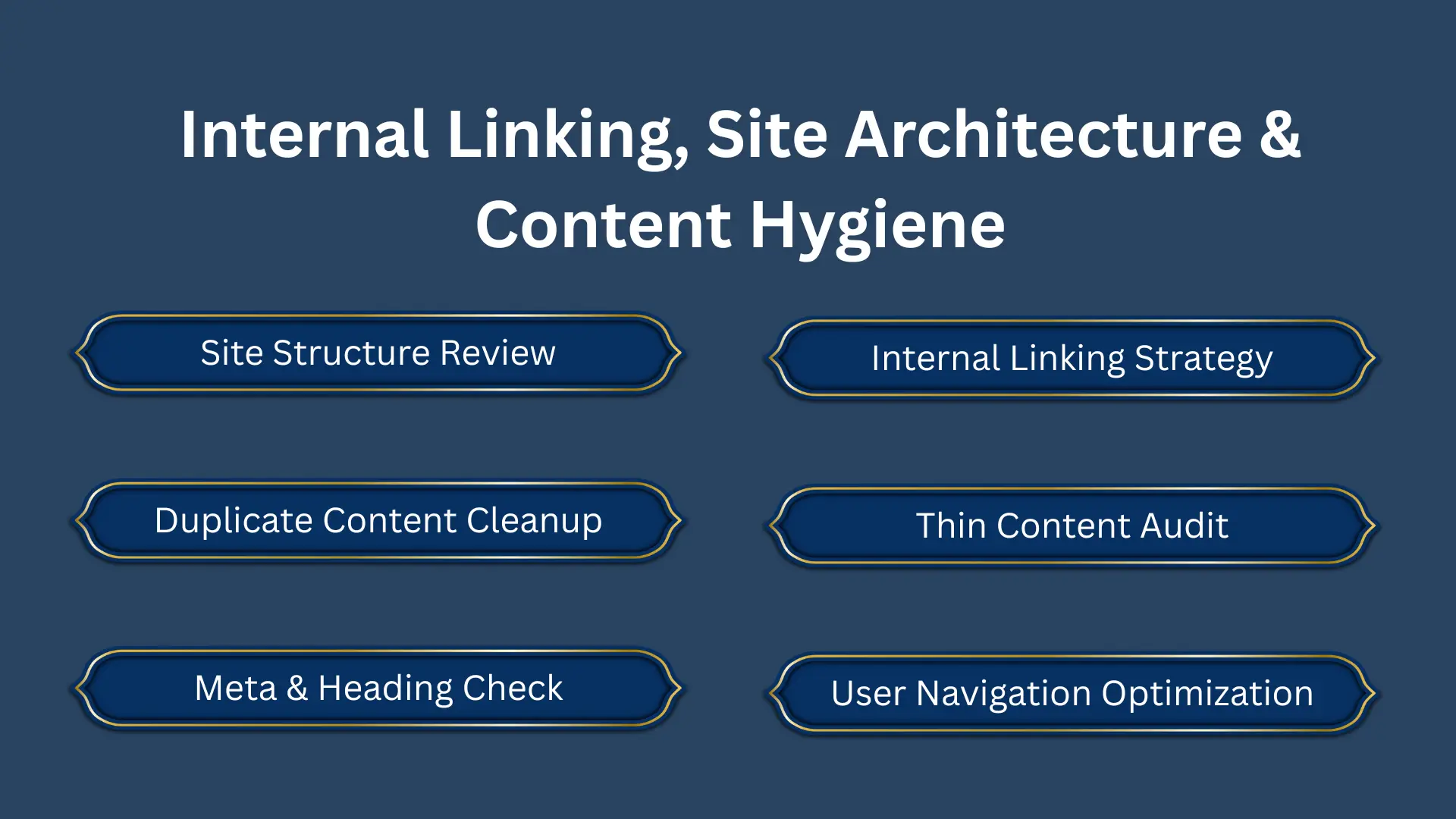
6. Internal Linking, Site Architecture & Content Hygiene
Technical SEO isn’t just about code and speed; it’s also about how content is organized, linked, and presented. A clean architecture makes it easy for both humans and search engines to navigate, crawl, and discover your pages.
Site Structure & Internal Linking
- Ensure your site has a logical structure: clear categories/subcategories, intuitive navigation, and breadcrumbs so users can easily find what they need.
- Use internal linking strategically: link important (high‑value) pages from other relevant pages to distribute link equity and help crawlers find them. Avoid orphan pages; they often remain undiscovered or indexed late.
Content Hygiene & Duplicate / Thin Content
- Identify and consolidate duplicate or near-duplicate pages (common on sites with many similar or slightly modified pages).
- For content-heavy sites: audit for thin content, low-value pages, or outdated pages. Remove or improve them. Unique meta titles/descriptions, proper headings, and alt tags for images all help.
From a reader’s perspective: a well-structured, logically organized site means they find what they need quickly; from a business perspective: it means better user satisfaction, lower bounce, and increased conversion, which search engines reward.
7. Crawl Errors, Broken Links & Redirect Management
Even if everything else is perfect, broken links or mismanaged redirects can undermine SEO, leading to poor user experience, wasted link equity, and crawl budget issues.
Identify & Fix Broken Links / 404s / 5xx / Redirect Chains
- Use crawling tools or GSC to find pages returning 404, 500, or other server‑error codes. Fix broken links (internal or external), redirect outdated/removed pages properly (301 for permanent moves).
- Clean up redirect chains or loops; multiple redirects slow down loading and waste link equity. Straight 301 redirect from old → new is best.
Proper Canonicalization & Parameter Handling
If your site has multiple URL variants (www vs non‑www, HTTP vs HTTPS, parameterized URLs, session IDs, tracking parameters), this can cause duplicate-content issues or indexing inefficiencies.
From a site‑owner perspective, this ensures that your “real” pages aren’t diluted by duplicates or broken links and that both users and search engines reach the right content seamlessly.
8. Post‑Audit Actions & Ongoing Monitoring
A technical SEO audit isn’t a one‑and‑done “set‑it and forget it.” To keep your site healthy, you need continuous monitoring and maintenance.
Prioritize & Plan Fixes
- Not all issues are equal. Use an Impact vs Effort matrix to decide what to fix first. Quick wins: broken links, redirect chains, obvious crawl/index issues, and major performance bottlenecks.
- Document fixes: what changed, when, and expected outcome (e.g., faster load, fewer 404s, more indexed pages). Keep version history so you can roll back if needed.
Monitor Metrics & Re‑Audit Periodically
- After implementing fixes, monitor key performance indicators: page‑speed / Core Web Vitals, bounce rate, indexed pages, organic traffic, crawl errors, and mobile usability. Compare with your baseline.
- Treat technical audit as part of ongoing site maintenance, especially if you add new content, plugins, third‑party scripts, or redesign pages. Many SEO professionals recommend audits every 3–6 months, or after major site changes.
Combine With On‑Page SEO & Quality Link Building
Technical SEO lays the foundation, but content quality, on-page SEO, and backlinks still matter. Once your site is technically sound, your content and link-building efforts.
If you don’t have the bandwidth or if you’d rather focus on content and growth, this is where working with technical SEO consultants or a full technical SEO audit service makes sense.
Conclusion
A website’s technical health isn’t optional, it’s foundational. However, if this sounds overwhelming or time-consuming, that’s totally normal. In fact, many site owners and businesses outsource this exact work to technical SEO audit services or technical SEO consultants so that they can focus on content, marketing, and overall growth.
So, if you’re ready to start, build your audit log, gather your tools, and begin with crawlability and indexing. From there, move methodically through performance, security, data, and architecture. Ultimately, consistency matters most. Re-audit, monitor, and iterate.
FAQs
How often should I run a technical SEO audit?
Ideally, after any major change (site redesign, content overhaul, plugin/theme changes) and at least every 3–6 months for active websites. This helps catch new issues before they impact rankings or user experience.
Is site speed really that important for SEO?
Yes, metrics like load time, responsiveness, and layout stability (measured by Core Web Vitals like LCP, FID/INP, CLS) are now part of ranking signals in many search engines. But beyond rankings, fast sites improve user experience, reduce bounce rates, and increase engagement/conversion.
After a technical audit, can I focus only on content and link building?
Not entirely, technical health needs ongoing maintenance. But yes: once the foundation is solid, you can safely shift focus to content, on‑page optimization, and strategic link building (such as via reputable guest posting or white‑hat methods), knowing your site is ready to benefit.